VECTOR / OS / Website breakdown
Explain the product.
Show how it fits together.
A studio-built interactive website example by Northform. Explore a software story through distinct workspace views and connected diagrams.
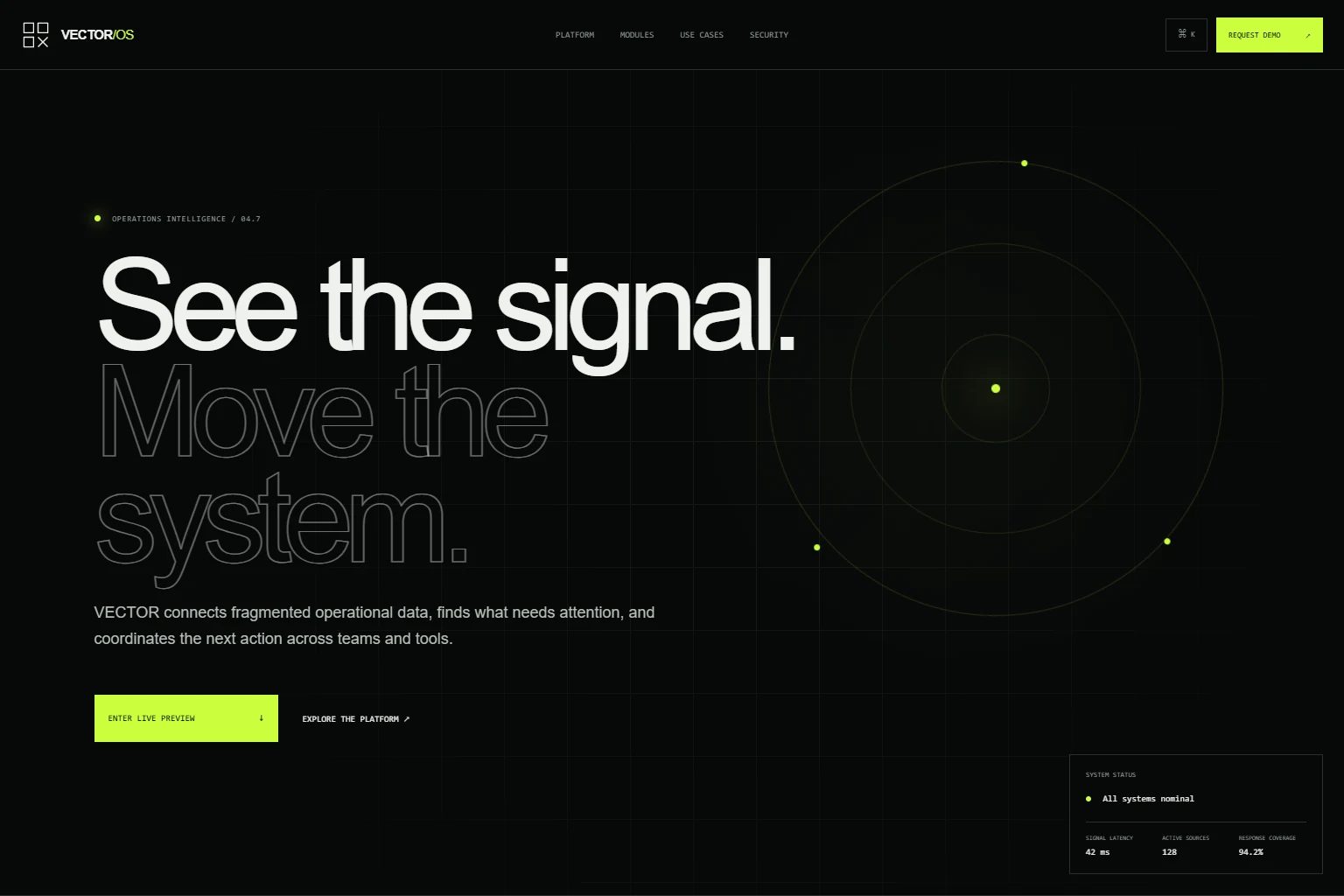
Interactive screens
See the system
in motion.
Scroll or drag to move through the key frames.

01 / The task
Brief
Make a complex product easier to understand by showing what each part is for.
A long feature list leaves visitors to imagine the interface. VECTOR pairs each module description with a distinct example workspace, so the explanation and the visual evidence appear together.
02 / Three decisions
Direction
Give each capability a distinct view.
Signals, Context, Workflows and Library tabs change both the explanation and the workspace. The interface shows different structures for a queue, related information, workflow steps and reusable resources.
Switch between the four modulesOffer a direct route through the product.
The command menu lets visitors search for a destination instead of scrolling through every section. It can also be opened from the visible menu button, keeping the feature discoverable.
Try the product navigationKeep relationships legible on small screens.
The integration diagram rearranges its nodes and connecting lines for a phone. The surrounding copy explains the relationship between the product and existing business systems.
Inspect the integration diagram03 / Try the journey
Experience
Open the platform, switch from Signals to Context, Workflows and Library, then inspect the integration diagram. Each view gives a different piece of the product story.
- 01Read the product proposition
- 02Inspect a module beside its explanation
- 03Explore the system relationships
- 04Discuss your own product website or interface
04 / What was built
Deliverables
- Product homepage and platform page
- Four interactive module views
- Searchable command navigation
- Responsive workspace and integration diagrams
- A direct route to the studio inquiry
From example to a live project
The workspaces contain sample information. They demonstrate frontend design and interaction, with no live operational data, authentication or workflow execution. A production product needs separately agreed backend, integration and access-control work.