ATELIER / Website breakdown
A considered store.
A clear product choice.
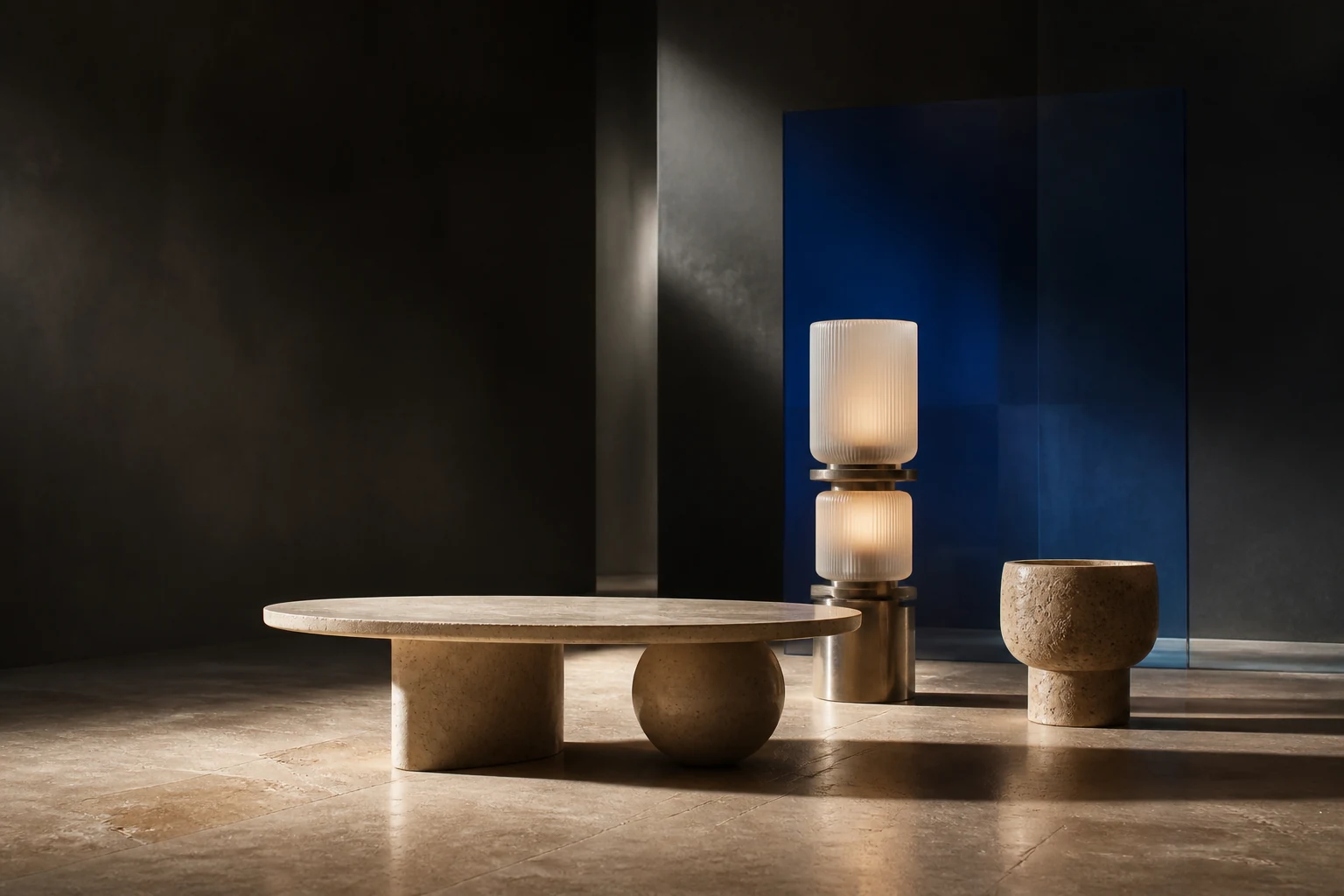
A studio-built interactive website example by Northform. Explore how a five-product collection moves from first impression to material choice and a shopping bag.
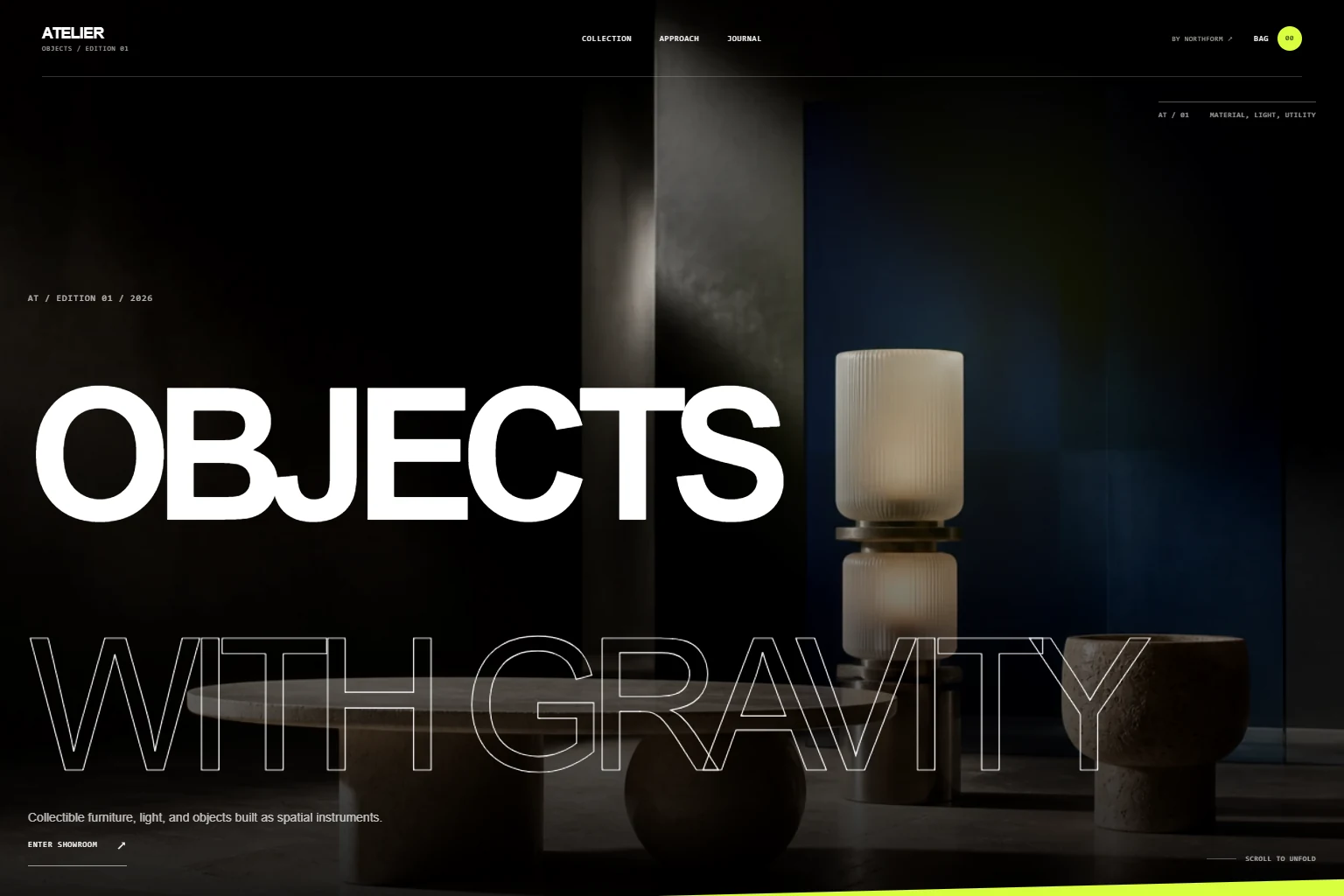
Interactive screens
See the system
in motion.
Scroll or drag to move through the key frames.
01 / The task
Brief
Let customers find an object, understand its material and keep their selection as they explore.
The design has to give sculptural products room to breathe while keeping names, prices and shopping actions easy to find. The collection contains five example products, so a clear browsing route matters more than a complicated search system.
02 / Three decisions
Direction
Browse by product type.
Furniture, lighting and objects have separate filters. Product names and prices stay with the images, helping visitors narrow the collection before opening a detail page.
Try the collection filtersSee the material you select.
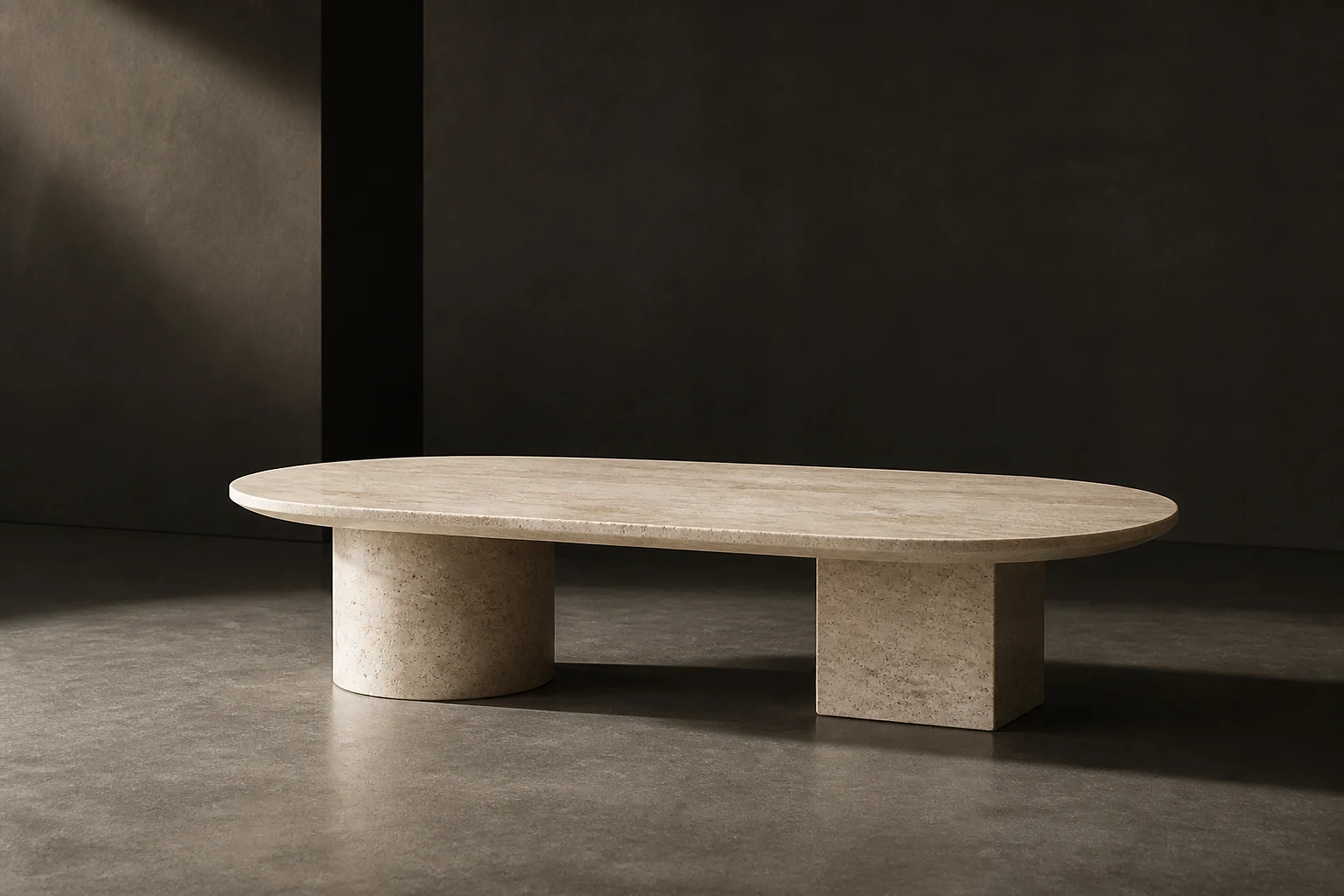
On the Low table page, the Travertine and Nero options change the product photograph. The selection has a visible consequence, so a visitor can inspect the finish rather than interpret a label alone.
Compare the table materialsKeep the selection in reach.
The bag remains available across the collection and product pages. Quantities and subtotal update together, and selections survive page changes when browser storage is available.
Try adding a product to the bag03 / Try the journey
Experience
Start with the collection, open the Low table, choose a material and add it to the bag. Move to another page and reopen the bag to inspect the selection.
- 01Find a product in the collection
- 02Inspect its image, material and details
- 03Add it to the bag and adjust the quantity
- 04Open the clearly labelled checkout preview
04 / What was built
Deliverables
- Homepage and filtered collection
- Five individual product records
- Material selection with product photography
- Shopping bag with quantities and subtotal
- Responsive layouts and keyboard-accessible controls
From example to a live project
This example demonstrates the storefront and bag. Products, prices and editorial previews are illustrative. Checkout and the newsletter do not create purchases, subscriptions or emails. A live store also needs agreed payment, stock, shipping and administration setup.