CAIRN / 17 / Website breakdown
Feel the place.
Understand the residence.
A studio-built interactive website example by Northform. See how an architectural story connects to residence details and plans.
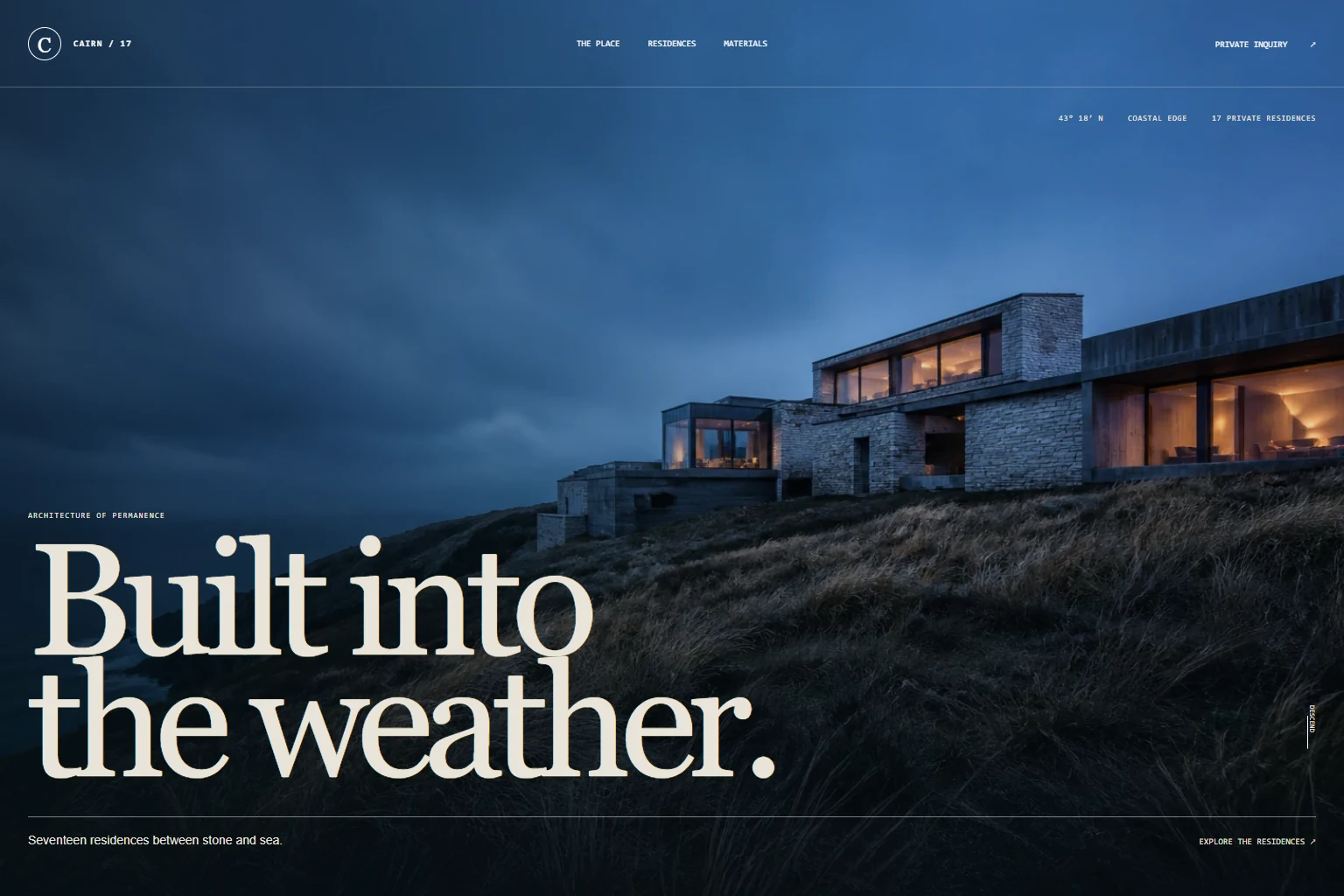
Interactive screens
See the system
in motion.
Scroll or drag to move through the key frames.
01 / The task
Brief
Help a visitor move from the character of a place to a useful comparison of its residences.
Large architectural images create atmosphere, but a prospective buyer also needs facts. The design separates the setting from a dedicated residence browser, keeping the practical information within an intentional route.
02 / Three decisions
Direction
Give the setting its own space.
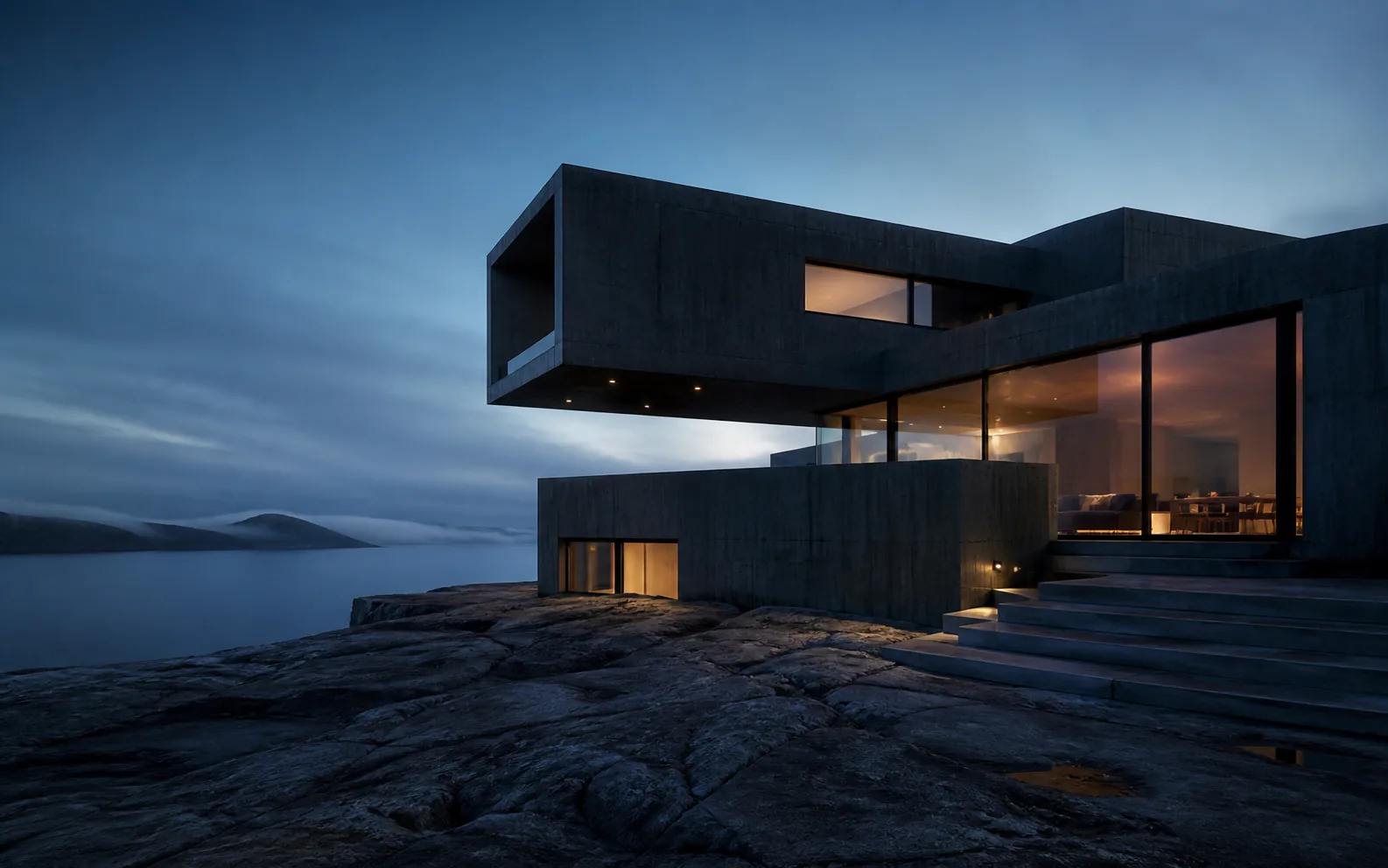
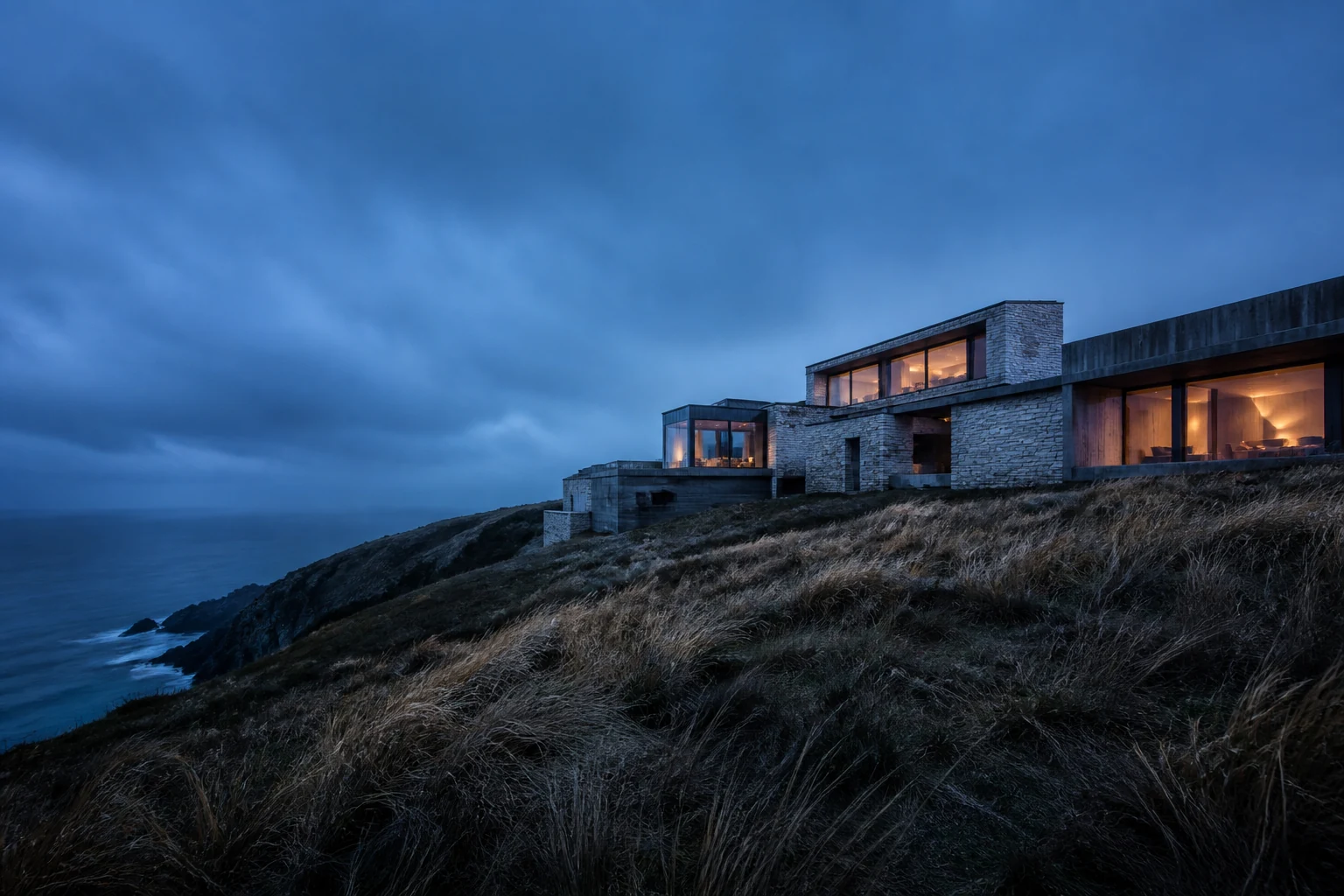
The main page introduces the architecture and landscape, then offers a direct link to residences. The visitor can move into the detail view as soon as they want to compare the options.
Explore the property homepageKeep the comparison in one place.
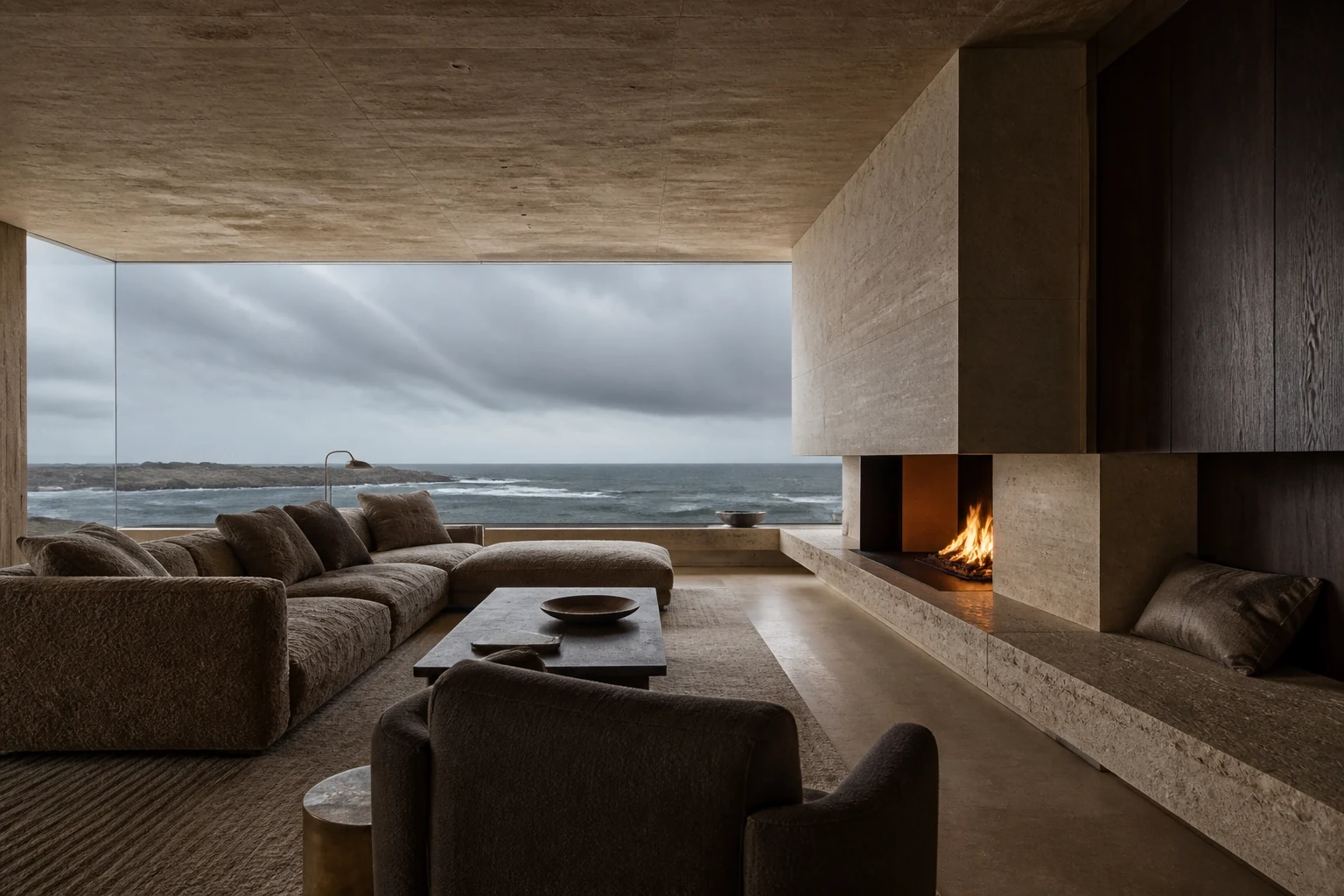
Long, Court, Ridge and Studio residence tabs update the description, facts, image and floor plan in the same layout. Visitors can compare the options without opening four separate pages.
Compare the residence typesMake the plan usable on a phone.
Floor plans scale within the residence panel, keeping the complete diagram available on smaller screens. The project inquiry remains reachable after the visitor has explored the details.
Follow the route to an inquiry03 / Try the journey
Experience
Open the residence browser and switch between the four types. Compare the facts and plan in the same position, then follow the project inquiry link.
- 01Explore the setting and architecture
- 02Open the residence browser
- 03Compare details, images and floor plans
- 04Discuss a similar website with Northform
04 / What was built
Deliverables
- Property homepage and residence browser
- Four residence views with coordinated details
- Responsive floor-plan presentation
- Keyboard navigation between residence tabs
- A visible route to the studio inquiry
From example to a live project
The property and residence information are illustrative. The example does not accept property bookings or represent live availability. A real project would use approved development details, current availability and an agreed process for handling inquiries.